> For the complete documentation index, see [llms.txt](https://docs.openalgo.in/llms.txt). Markdown versions of documentation pages are available by appending `.md` to page URLs; this page is available as [Markdown](https://docs.openalgo.in/connect-brokers/brokers/5paisa.md).
# 5Paisa
OpenAlgo makes algorithmic trading accessible and straightforward by providing seamless integration with various brokers, including 5Paisa. This documentation will guide you through the process of configuring your 5Paisa account to work with OpenAlgo, ensuring you can automate your trading strategies efficiently. Follow the steps below to generate APIs, and set up your environment for a smooth trading experience.
### **Generate APIs**
**Login to 5Paisa Website:**
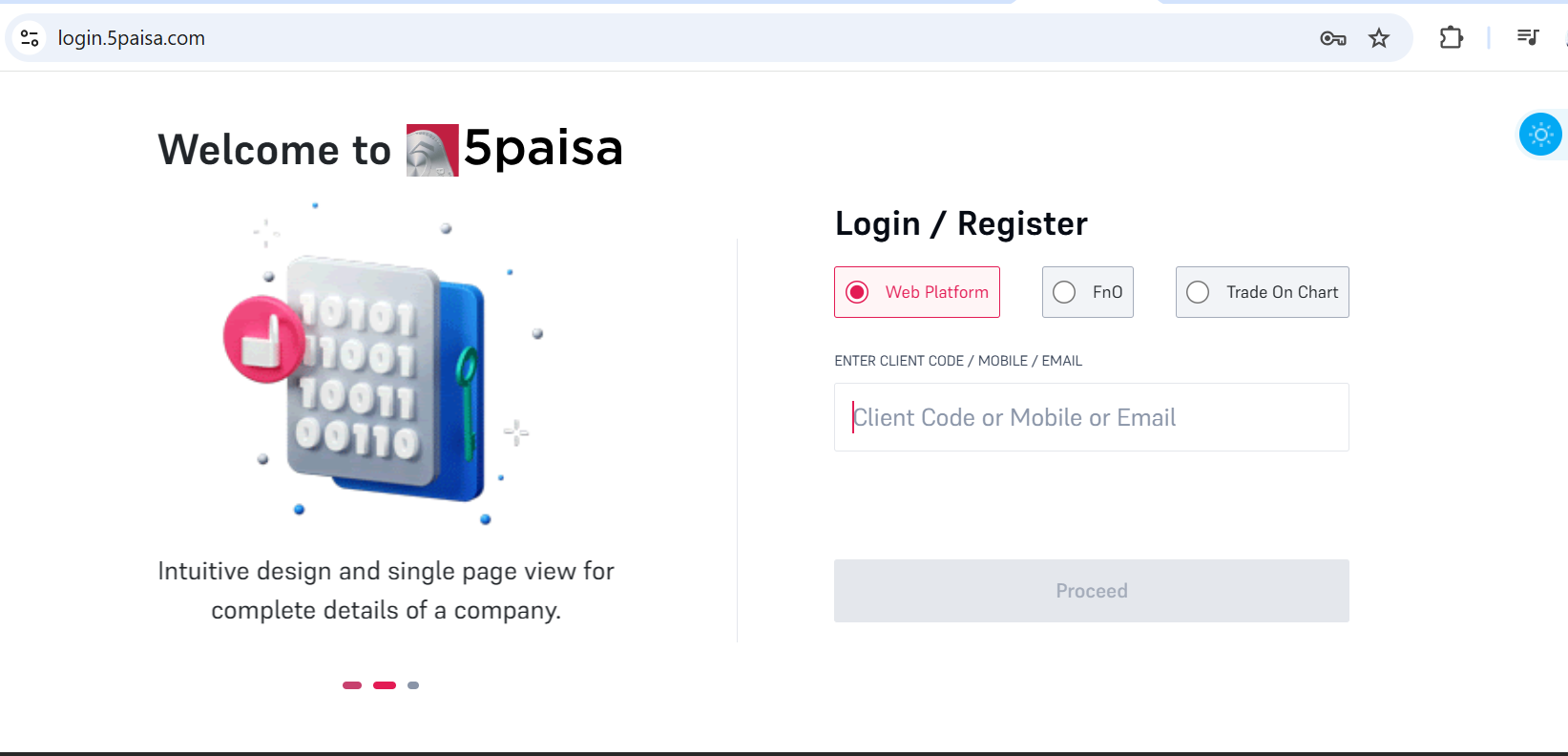
* Navigate to the and log in with your credentials.
**Access API Key Generation:**
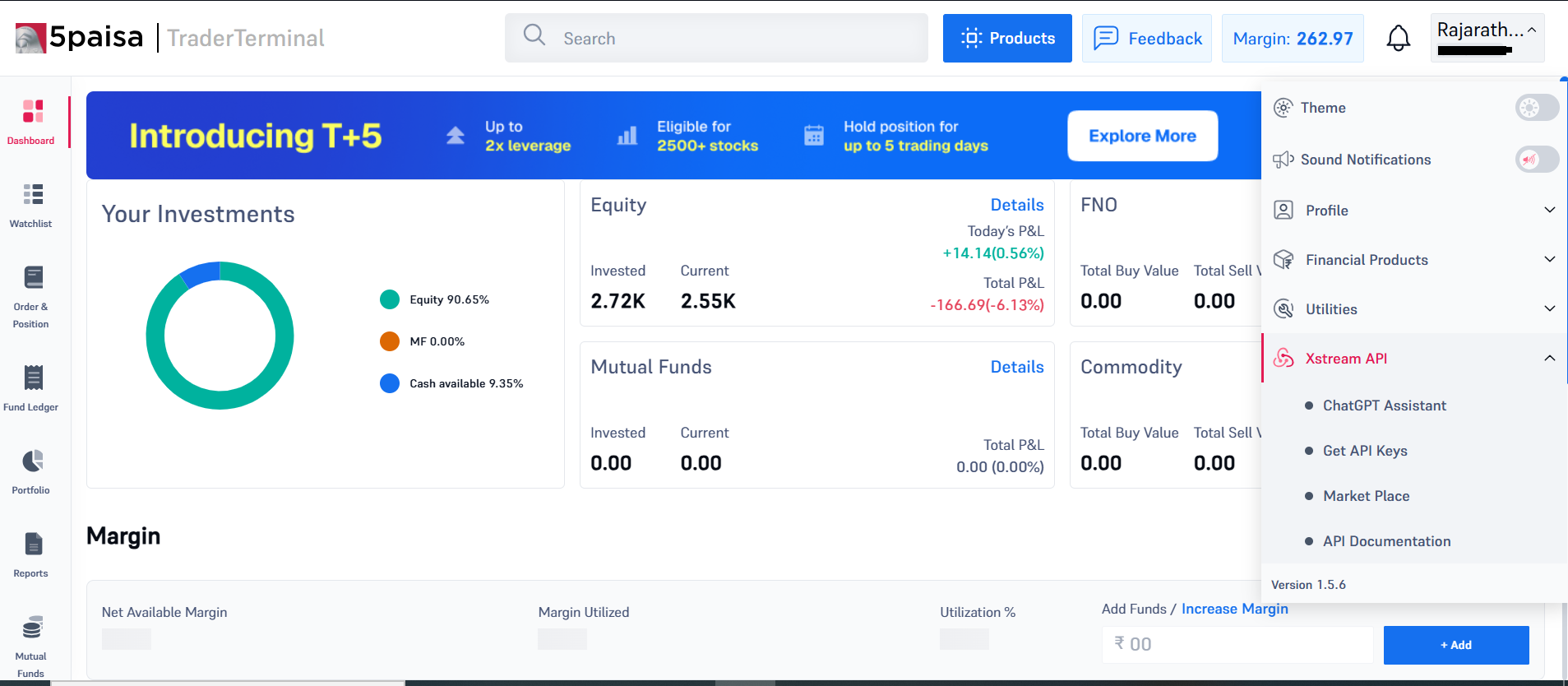
* Click on the profile dropdown on the top right next to your name.
* Go to **Xstream API** and click on **Get API Keys**.
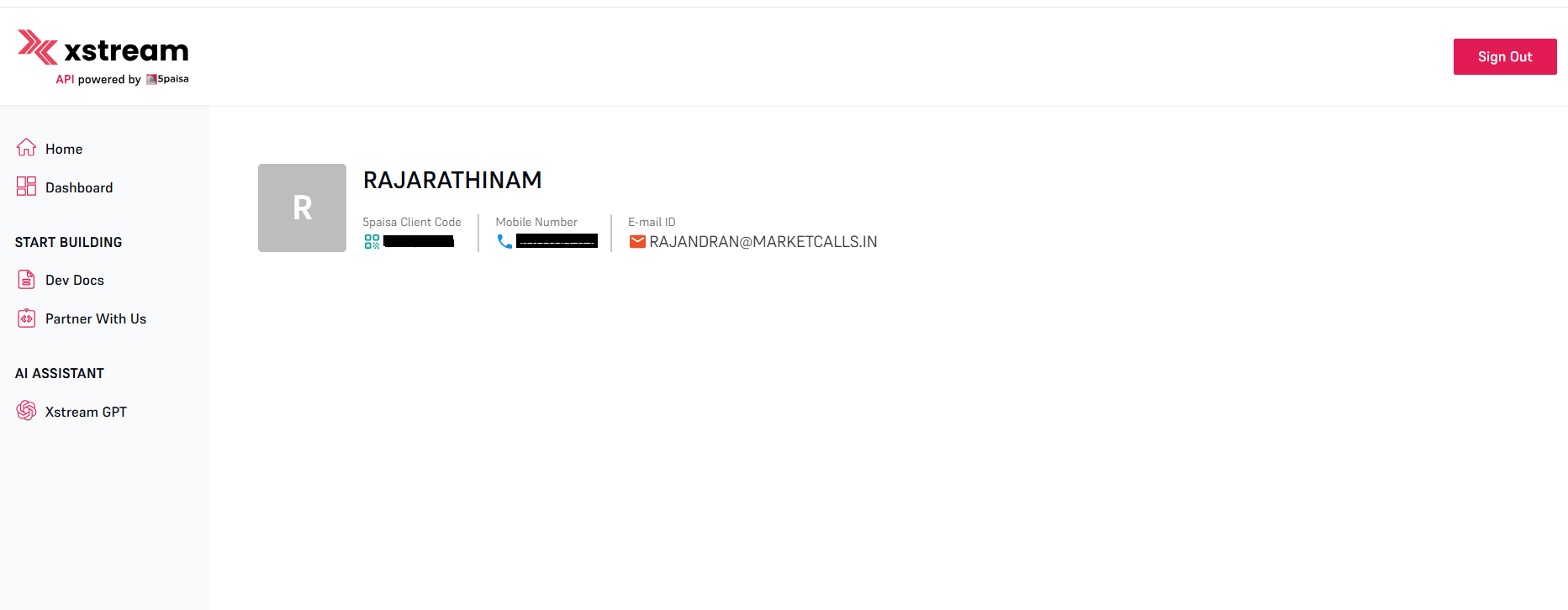
Keep this page open and navigate to the Dashboard - Create New App.
### **Save API Details**
Save the generated User Key, User ID. Encryption Key, Later, you will add these details to the environmental variables along with the redirect URL.
click on the profile dropdown on the top right corner to know your client code
Here is a sample of how the details would appear in a .env file for reference:
**Sample .env File:** Here is a sample of how the details should appear in a `.env` file for reference:
```
BROKER_API_KEY = 'API_Key:::User_ID:::client_code'
BROKER_API_SECRET = 'Encryption_Key'
REDIRECT_URL = 'http://127.0.0.1:5000/fivepaisa/callback'
```
#### Conclusion
By following the steps outlined in this guide, you have successfully configured your 5Paisa account for use with OpenAlgo. You can now leverage the power of algorithmic trading to enhance your trading strategies and make data-driven decisions. Should you encounter any issues or need further assistance, please refer to the OpenAlgo community or support resources. Happy trading!
### Supported Exchanges
OpenAlgo reads this plugin's exchange list from `broker/fivepaisa/plugin.json` and serves it to the app, so symbol search, the Strategy Builder and the tools pages only offer what the plugin actually handles.
* **Tradable:** `NSE`, `BSE`, `NFO`, `BFO`, `CDS`, `MCX`
* **Index feeds:** `NSE_INDEX`, `BSE_INDEX`